


For creation of the AI animated video consists mainly of 3 steps.
- First select Image of product
- Convert to video
- Sell on Fiver
1. Selection of Image
In this format of using AI tools to create video to promote a product, you are mainly looking to portray your skills in efficient prompt handling. Being creative with your prompts for the initial image takes precedent over the other steps. With a general idea of your product you can write up a prompt to create an AI image to suit your needs. You can also use AI tools like chatgpt to further improve your prompts. In a sense, it is much more convenient to first create prompt with the help of AI tools then further refine the prompt as to suit you the best. For the creation of images like this we can use chatgpt for the prompt and using the prompt from chatgpt you can generate images using any AI image generator such as chatgpt, Leonardo.ai, Ideogram, Midjourney.ai, etc.. Here is the prompt I used to create the image for a Nike shoe: A massive, photorealistic Nike shoe, with intricately detailed laces, stitching, and a vibrant swoosh logo, dominates the center of a lush green stadium, surrounded by empty seats and a clear blue sky, the shoe’s reflective surface capturing the subtle sheen of the sun, casting a subtle shadow on the grass beneath, while the overall scene is bathed in a warm atmosphere.
2. Animate the image
Now that you have your desired image, it is time to animate the image into a quick yet attention grabbing video. Runwayml is the AI which I personally recommend because it can create far more realistic videos than what most AI video generators can. Create an appropriate prompt to add to your AI video generator so as to create the desired effect. Given below is the prompt I have used to generate this video: The Nike shoe levitates slightly off the ground and is spinning counter clockwise in a medium speed. There are orange colored Nike symbol blocks falling from the sky on to the shoe which get bounced off the shoe upon impact.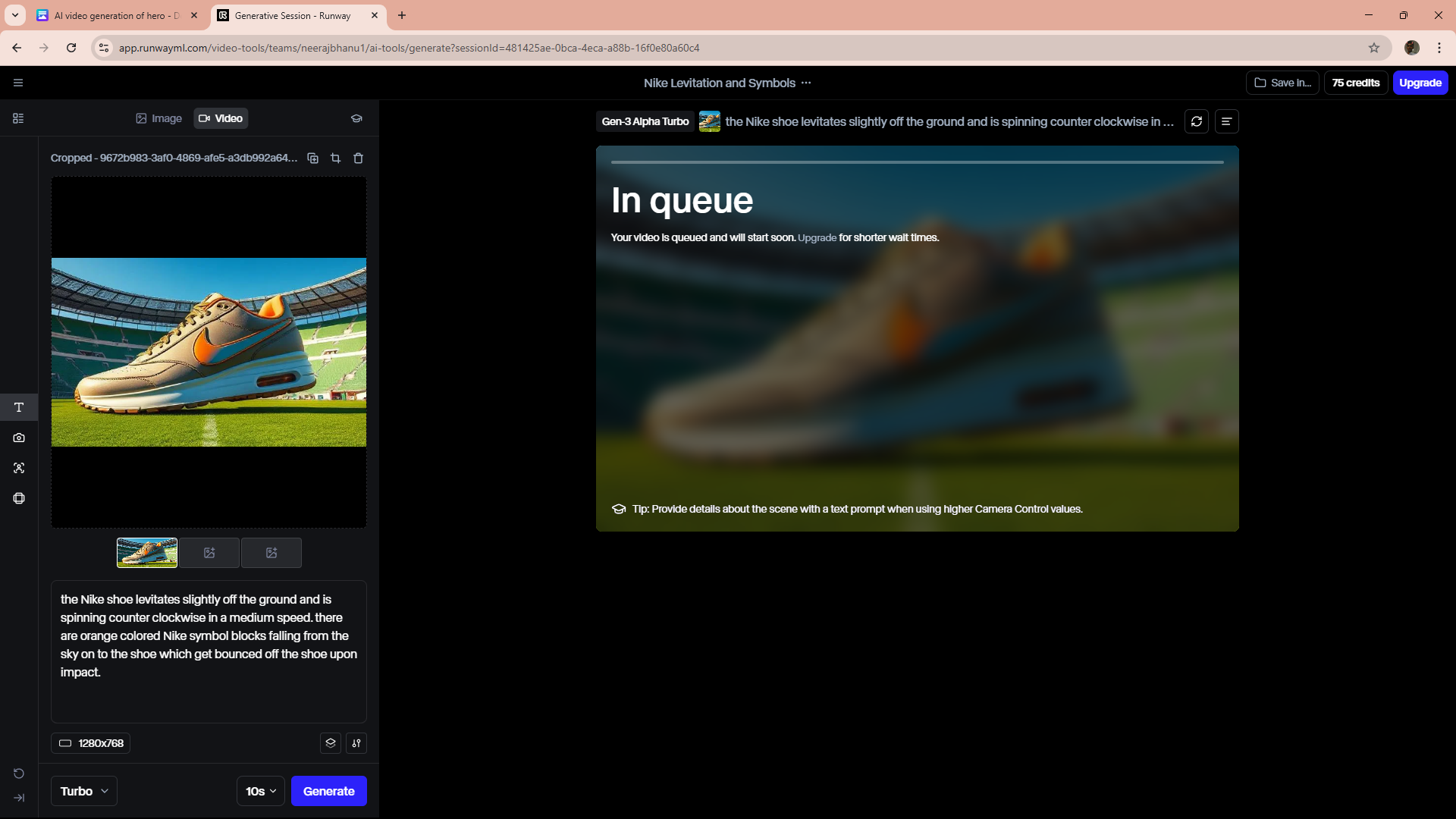

3. Sell on Fiverr
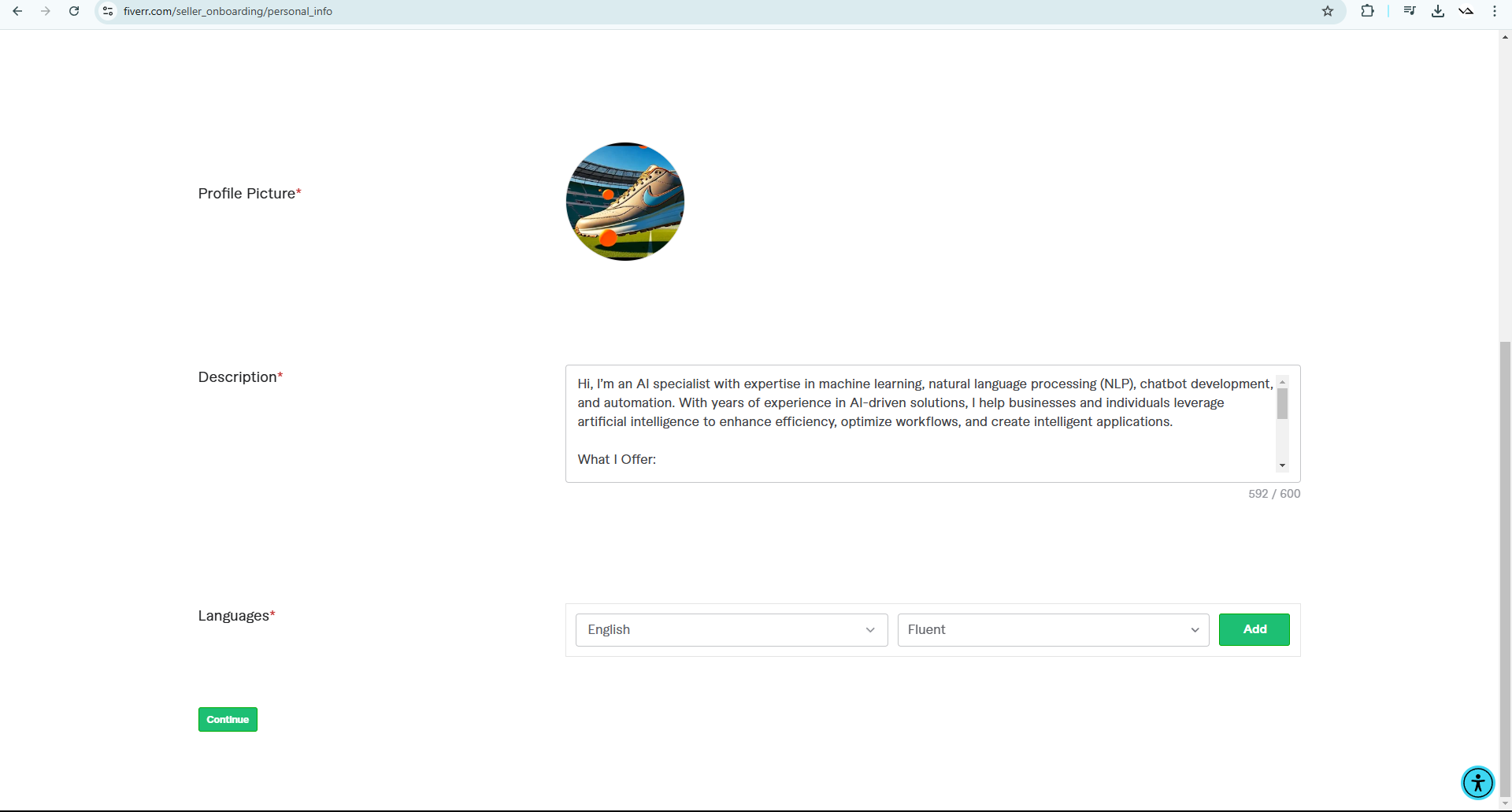
Fiverr is a global freelance marketplace where sellers offer services (gigs) in design, writing, marketing, and more. Clients hire based on budget and reviews. Payments are secure, and freelancers level up with experience. It’s great for businesses needing affordable talent and for freelancers earning online.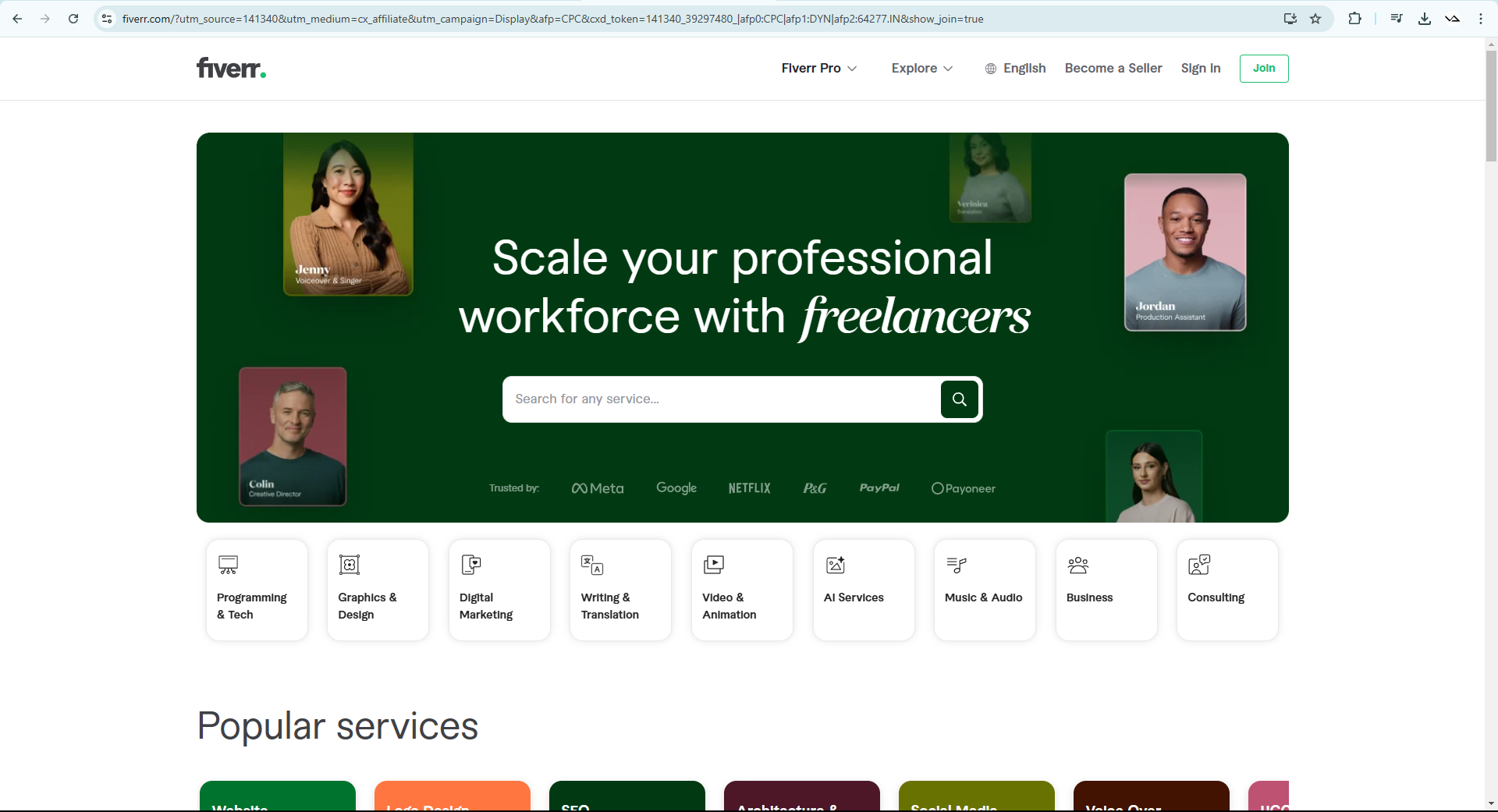 Creating a Fiverr account as a seller is a simple and straight forward process,
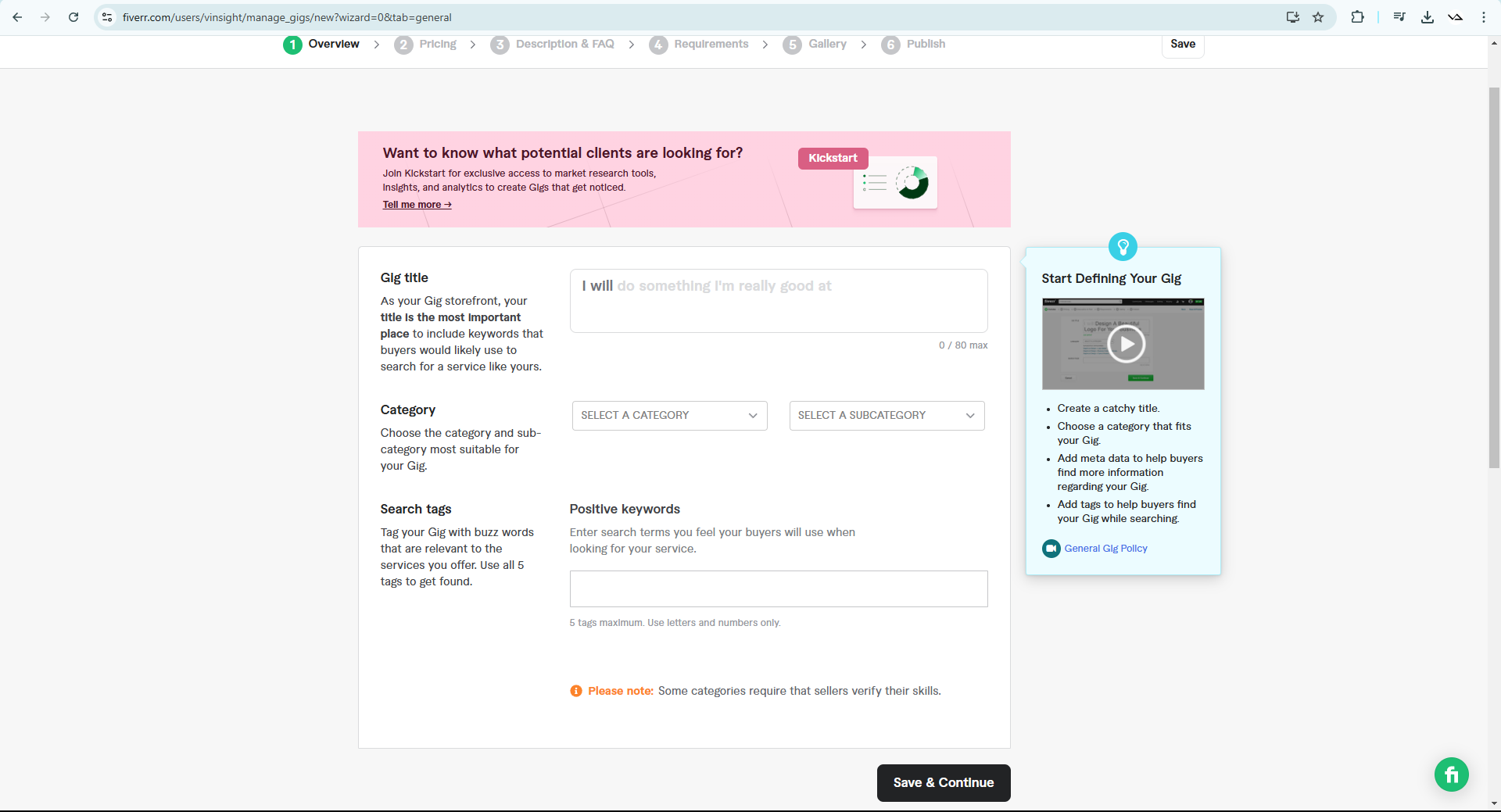
First you make a seller’s account the you set up your gig. Gig is the portfolio which you will show to the potential customers when they are looking to purchase your services. You have to take ample time to thoroughly study and create the perfect gig so as to start receiving job commissions.
No one will be willing to spend their money on an inexperienced and unprofessional looking gig. So make sure your gig looks like it is being handled by a professional. AI based services are currently in a boom which makes it the perfect time to ride the tide.
As a bonus tip on how you can start getting your first work, after fully creating your gig, approach people close to you so as to get them to use your services through Fiverr. Doing this can easily get you a few 5.0 star ratings. In the initial stages it is much more important to have those reviews otherwise the potential customer might take you for an amateur.
Creating a Fiverr account as a seller is a simple and straight forward process,
First you make a seller’s account the you set up your gig. Gig is the portfolio which you will show to the potential customers when they are looking to purchase your services. You have to take ample time to thoroughly study and create the perfect gig so as to start receiving job commissions.
No one will be willing to spend their money on an inexperienced and unprofessional looking gig. So make sure your gig looks like it is being handled by a professional. AI based services are currently in a boom which makes it the perfect time to ride the tide.
As a bonus tip on how you can start getting your first work, after fully creating your gig, approach people close to you so as to get them to use your services through Fiverr. Doing this can easily get you a few 5.0 star ratings. In the initial stages it is much more important to have those reviews otherwise the potential customer might take you for an amateur.
Note:
For all the software from the Ai to the extension have some payment barriers so it is wise to consider the time and conviction you are willing to put into this format of revenue generation before jumping right into it or you can always try the free versions to first test the waters before entirely committing.
SeagulMedia is the Best Digital Marketing Agency in Kerala with multiple successful projects and collaborations. For Digital Marketing Services do not hesitate to contact SeagulMedia at info@seagulmedia.com through Email OR leave a message on our website www.seagulmedia.com .